

Talo Guide
Ask Talo for a task: end to end
How to take a card from the board, give it to the assistant, and review the result before marking it done.
You have a card on the project board ready to move. Instead of copying its content to a new conversation, you can ask the assistant for it straight from the card and review what it brings back.
Steps
- Open Tasks and find the card you want to move.
- In the card detail, tap "Work on this with Talo". A new project conversation opens
for just that task, and the card gets linked to that conversation in TABLERO.md.
- The first message of that conversation already has the card's context: title, column,
date, assignee, labels, description, and the checklist, along with a clear note "don't edit TABLERO.md: propose it to me instead". The assistant sees the rest of the project too, not just the board.
- Work with the assistant like any conversation: ask it to draft, analyze, or prepare
what the card asks, and ask for changes until the result works for you.
- The assistant can't write to the board on its own: if it tries, it gets denied. If
something from the conversation should change the card's status or details, it has to propose it so you can apply it yourself from the board.
- When the work is done, go back to Tasks and move the card to the right column (with
the mouse or keyboard). That move does save straight to TABLERO.md, because you're doing it.
Note
You can come back to that conversation anytime from the link in the card itself: no need to search for it among all your conversations. More about cards, columns, and syncing with other tools in Tasks.
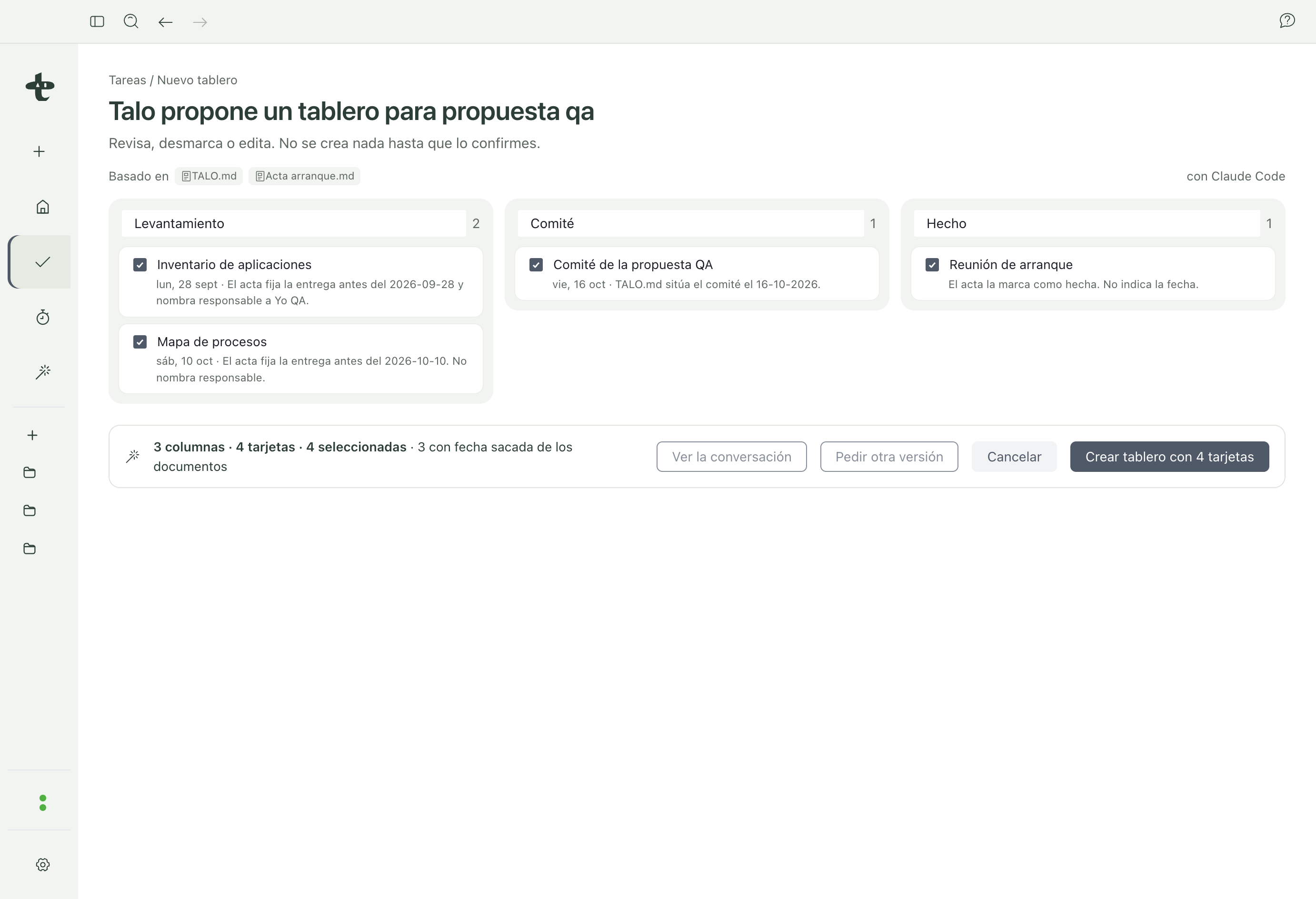
This same "ask Talo" idea works the other way too: from Tasks you can ask to propose a whole board from meeting minutes, as explained in Board from meeting minutes.