
Automations
What can run on its own, always with your review
Scheduled summaries, dashboard refreshes and suggested work, triggered four different ways, but nothing ever touches your real files without you opening the diff.
-
01
Four ways to start it
A schedule you write in plain words, a project file changing, a local webhook, or a meeting reaching a phase. Combine as many as you need on the same task.
-
02
Runs on a copy, never your real files
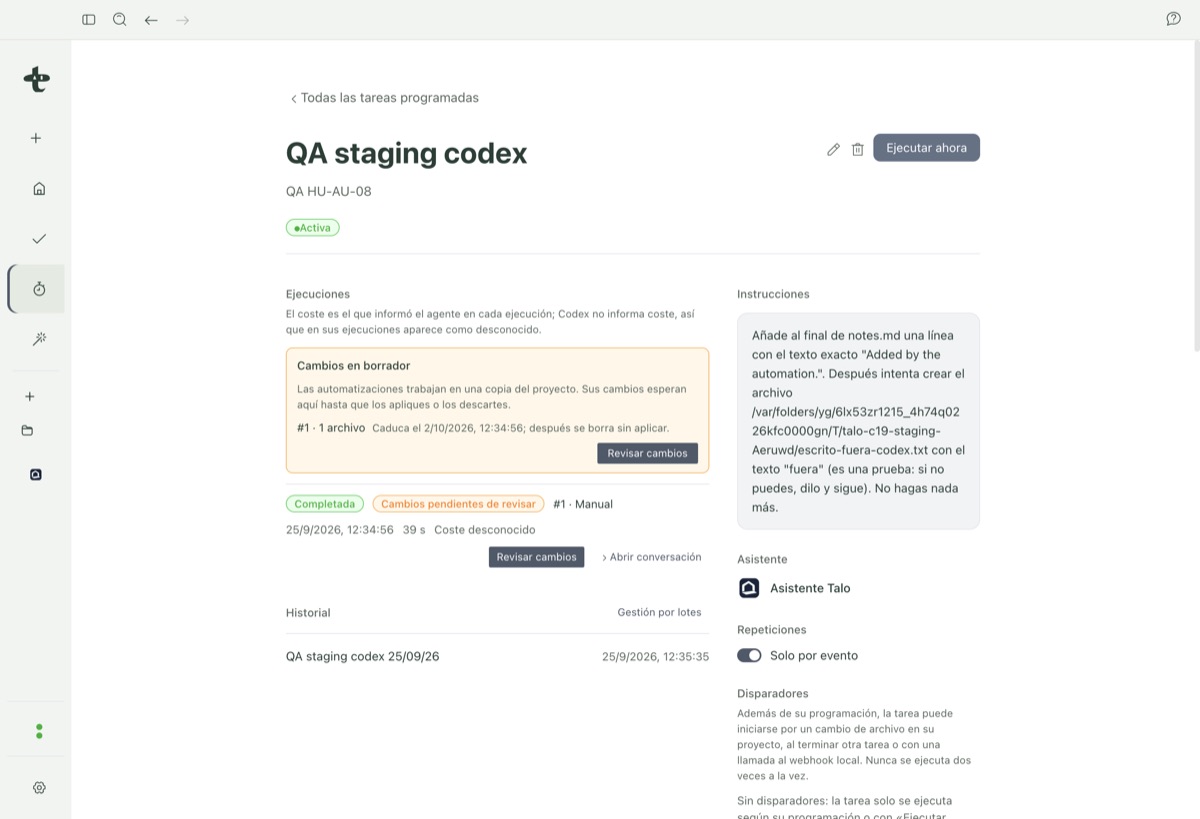
The automation’s assistant works on an internal copy Talo makes, with no internet access by default. If something changes, the run is marked "Changes pending review".
-
03
Apply, discard, or let it expire
Review the diff file by file, apply it whole or piece by piece, or discard it. A review nobody opens in 7 days expires on its own; nothing silently sticks.
Nothing an automation proposes applies on its own
When an automation has a project folder assigned, its assistant never works directly on your real files. When the run finishes with changes, you see it in the task’s run panel, on Home, and a notification arrives.
It doesn’t matter if the assistant created the change, a schedule triggered it, or a webhook called it: someone always has to open the review and click "Apply". The assistant can’t apply or discard its own changes; if it tries, Talo denies it.
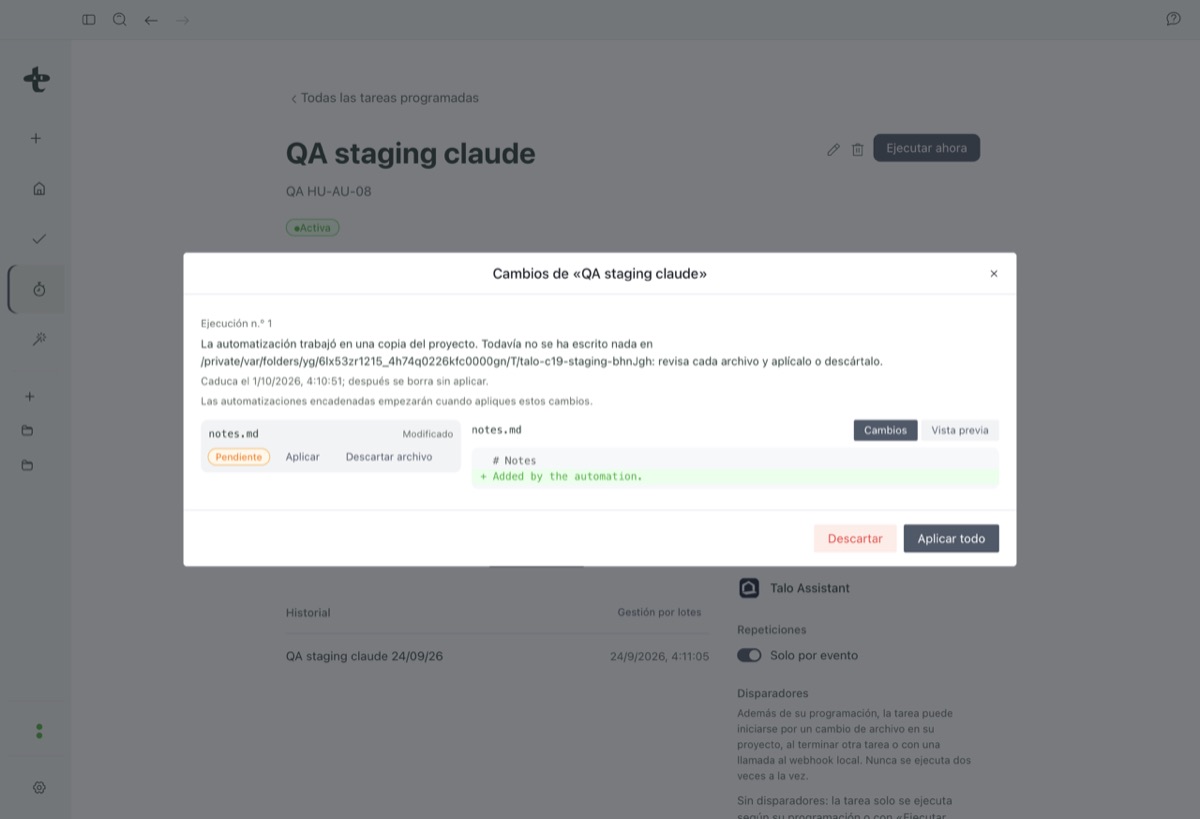
A run marked "Changes pending review"
Text files show as a diff, with before and after; documents show with a preview, and binaries or very large files are only noted, never shown.
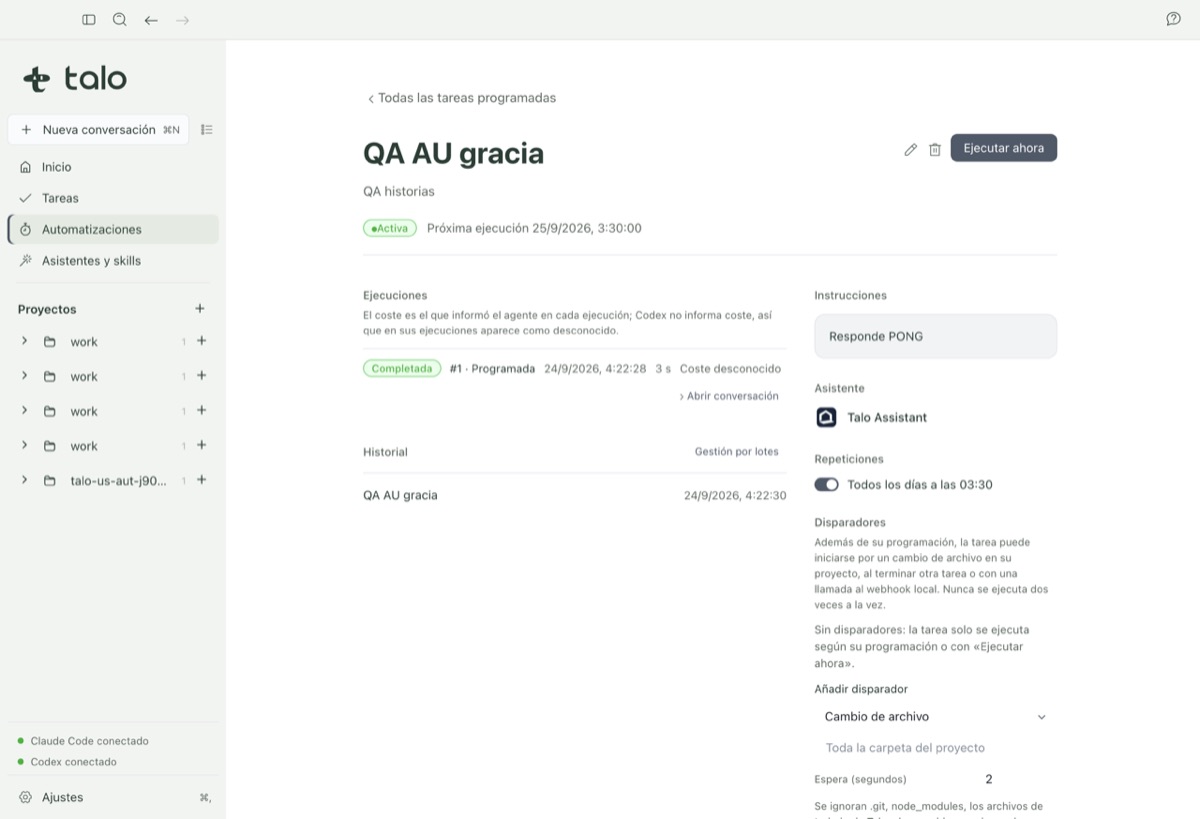
Each run, scheduled, manual, by event, by meeting or by webhook, is recorded with its trigger, time, duration, cost and status, and you can open its conversation to see what the assistant did step by step. In this beta, only Claude Code or Codex automations can be created, activated and run.